
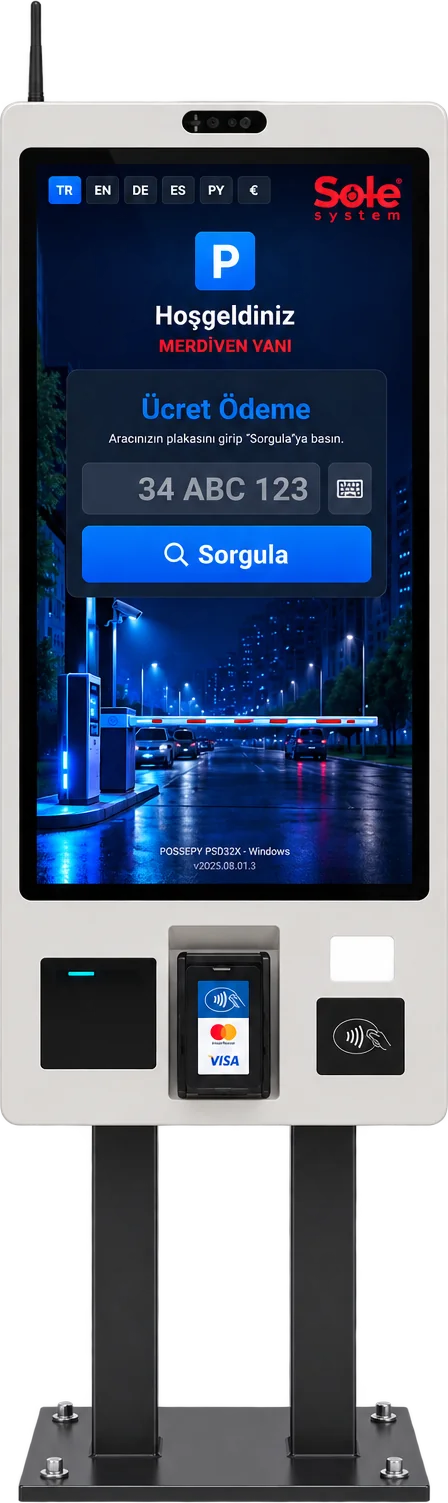
Direct answer: A parking payment kiosk is a self-service touchscreen payment point where drivers pay the parking fee themselves by entering their plate. On Sole kiosks the fee is calculated on the server; the screen shows the entry photo, duration, any debt and extra services, payment is taken by contactless card or QR code, and a receipt is printed.
Hardware of the payment kiosk
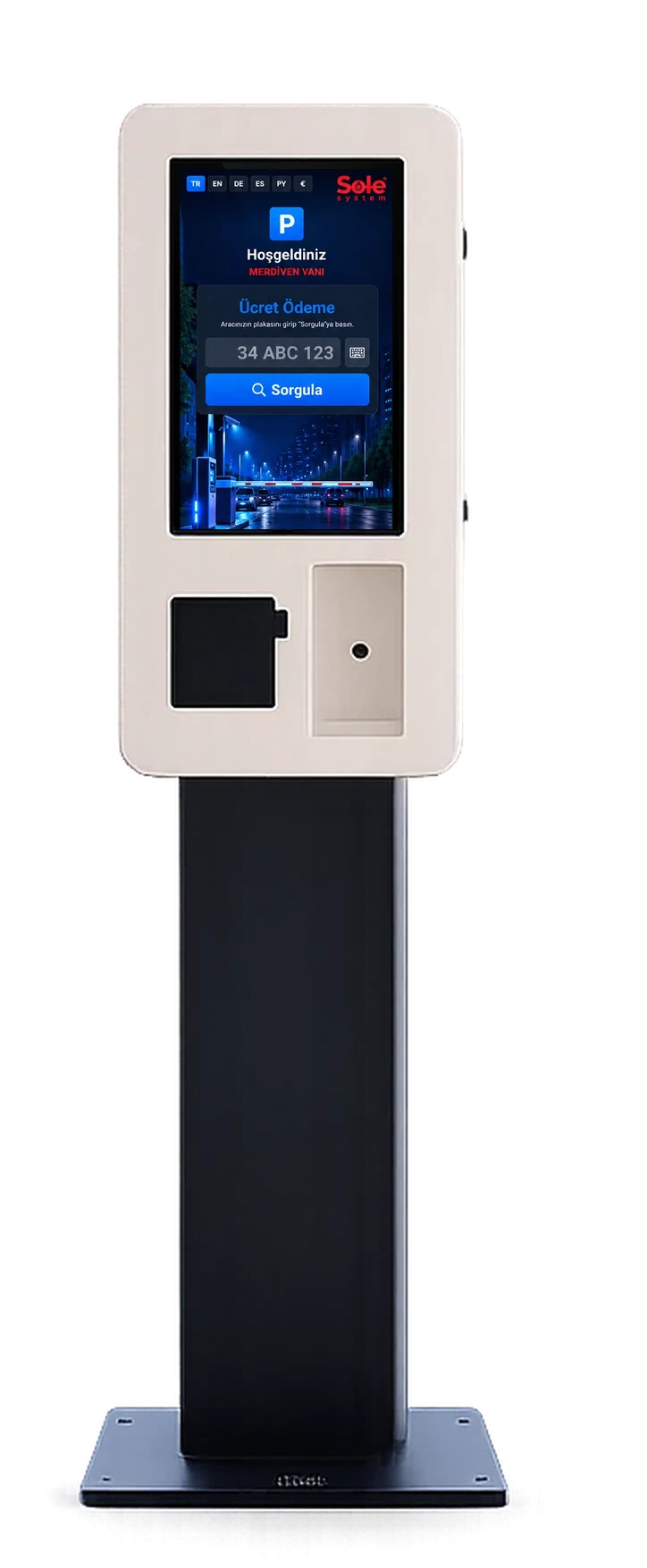
The kiosk family has four models. On every model the fee is calculated on the server and payment is taken by card; kiosks do not accept cash.
22–32 inch touchscreen
Smart KIOSK: 32-inch portrait Full HD, 10-point capacitive; Small, Middle and Grand: 22–24 inch touchscreens.
Contactless POS and QR
The amount is passed from the screen to the integrated POS device; payment by contactless card and QR code.
Thermal receipt printer
3-inch thermal printer on the Smart KIOSK; receipt header and footer are edited in the panel.
NFC and QR reader
The Smart KIOSK has NFC reader and QR code reader slots.
Ethernet, Wi-Fi, optional 4G
The Smart KIOSK connects via Gigabit Ethernet and Wi-Fi; an optional 4G modem can be added.
Windows or Android
The kiosk software runs on an industrial Windows PC and on Android-based touch devices.
6-language interface
Turkish, English, German, Spanish, Russian and Arabic; the screen switches to right-to-left in Arabic.
Remote monitoring
Kiosk transactions and errors appear in a list refreshed every few seconds in the panel.
Technical comparison of kiosk models
| Feature | Smart KIOSK | Small KIOSK | Middle KIOSK | Grand KIOSK |
|---|---|---|---|---|
| Screen | 32" portrait, 1920×1080 | 24" touchscreen | 22" touchscreen | 22" touchscreen |
| Touch | 10-point capacitive (PCAP) | Touch | Touch | Touch |
| Payment | Contactless card + QR | Credit/debit card | Credit/debit card | Contactless card + QR |
| Printer | 3-inch thermal receipt | Kiosk receipt printer | Kiosk receipt printer | Kiosk receipt printer |
| Computer | Industrial PC or Android | — | Industrial PC | Industrial PC |
| Connectivity | Ethernet + Wi-Fi, opt. 4G | Ethernet | Ethernet | Ethernet |
| Extra readers | NFC, QR reader | — | — | — |
| Cash | No | No | No | No |
| Body | Free-standing portrait | Compact | Mid-size | Large body |
Model details: Smart KIOSK, Small KIOSK, Middle KIOSK, Grand KIOSK.
Frequently asked questions
How does a parking kiosk work?
The driver types the plate on the on-screen keyboard and searches. The kiosk shows the entry photo, entry time, duration and amount; if the vehicle type is wrong the driver selects the correct one and the amount is recalculated. After payment a receipt is printed and the remaining exit time counts down.
Can an exit period be given after payment?
Yes. A period is defined for the vehicle to leave after paying; the default is 20 minutes and it can be changed per kiosk. The remaining time counts down on the kiosk screen.
Do subscribers use the kiosk?
Subscriber vehicles leave directly without visiting a payment point; the whitelist opens the barrier. Monthly paid subscribers can renew and pay at the kiosk; subscribers nearing expiry can be warned on the LED display.
What happens if the kiosk breaks down?
Kiosk errors appear on the live monitoring list in the panel. If the car park also has an exit terminal, booth or handheld terminal, payment continues through those channels; a vehicle that cannot pay can be recorded as debt and charged on its next visit. For sites with a single payment point we recommend planning a backup channel.
Can a kiosk be added to an existing barrier system?
The kiosk does not connect to the barrier directly; it sends the payment to the software, and the barrier is opened by the exit camera and site PC. So it is enough that the barrier can be controlled by a relay; the kiosk is placed at a suitable pedestrian point with a network connection.
How many kiosks does a car park need?
The number depends on exits at peak hour, payment time and pedestrian flow. For small car parks with one entry and one exit, one kiosk or one exit terminal is usually enough; for multi-storey sites or sites with several pedestrian exits we recommend a kiosk at each main pedestrian point.
Last updated: 25 September 2026 · Sole paid parking payment points · Gray Teknoloji Sistemleri Ltd. Şti.
Get a Free Site Survey →