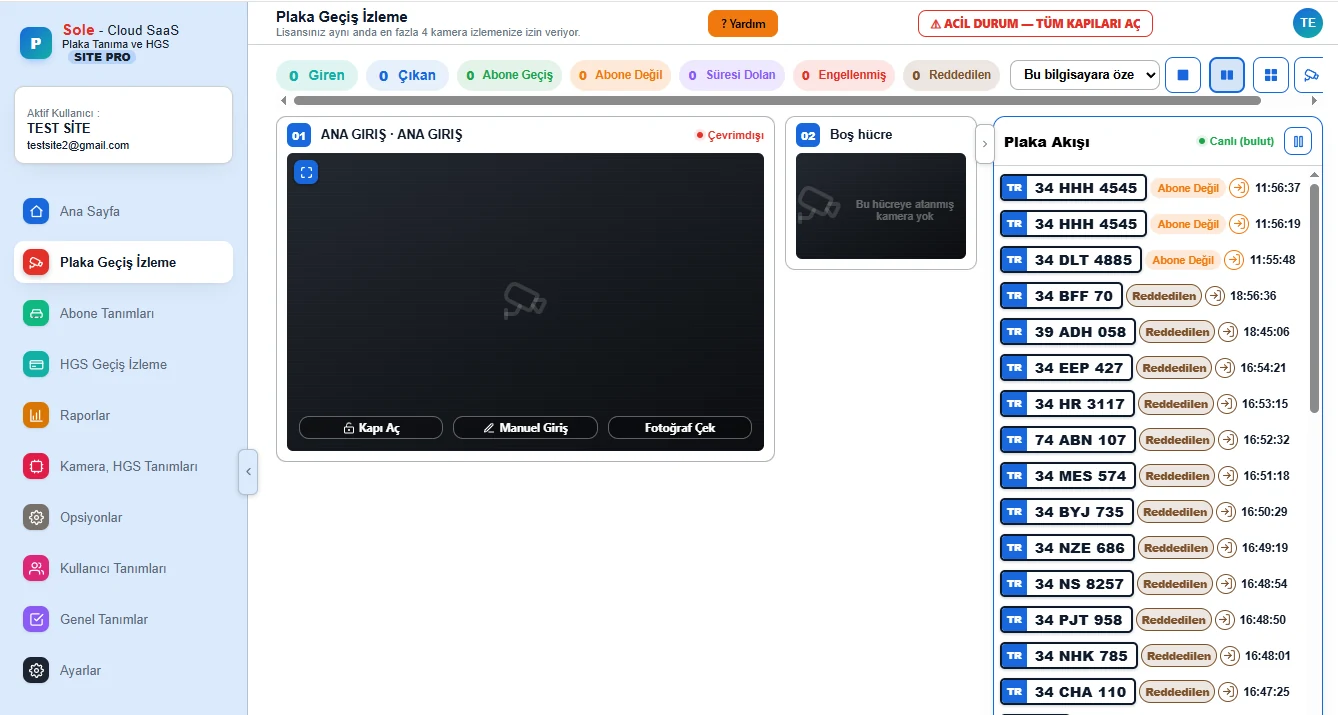
Direct answer: Local parking software runs on a PC on site and does not depend on the internet, but remote management, multiple sites and updates are difficult. Cloud software can be reached from anywhere and provides central reporting, but a fully cloud-dependent setup can stop passages when the internet drops. Sole software works as a hybrid: management and reporting are in the cloud, while the passage decision, whitelist, exit grants and offline fee calculation are on site.
Comparing the three architectures
| Topic | Local | Cloud only | Hybrid (Sole) |
|---|---|---|---|
| Passages when the internet drops | Continue | May stop | Continue |
| Remote access | Limited | From anywhere | From anywhere |
| Multiple car parks | Each separate | One panel | One panel |
| Updates | Manual on site | Central | Central, including site software |
| Reporting | On the site PC | Central | Central |
| Data loss risk | Depends on one PC | Low | Low; queued during outages |
What is kept on site in the hybrid architecture?
- The whitelist is stored on the camera; subscribers are recognised without internet.
- Exit grants are held on the site PC and verified locally.
- A tariff mirror is on site; the offline fee calculation matches the cloud tariff.
- Passage records are queued during an outage and completed in the cloud when the connection returns.
What is managed in the cloud?
- Tariffs, subscriptions, users and permissions.
- 43 ready-made reports, daily revenue and channel breakdown.
- Managing several car parks with one account.
- Updating the site software with version integrity checks and rolling back if something goes wrong.
- An optional email alert to the manager if the site connection drops.
Which one, when?
At a single site with an unreliable internet connection, a cloud-only setup is risky. For operators with several car parks who want central reporting, a local-only setup makes management harder. The hybrid architecture meets both needs, which is why we recommend it for paid car parks.
Frequently asked questions
Does cloud parking software work if the internet drops?
Sole works as a hybrid, so the passage decision and exit grants are on site; subscribers and paid vehicles keep passing. A new fee lookup at the kiosk needs a connection.
Do I need to install software on a computer?
The management panel is used in a browser. On site there is only the site PC that communicates with cameras and barriers.
Can multiple car parks be managed from one panel?
Yes. Each car park is a separate facility; an authorised user accesses them with one account.
How is the software updated?
The cloud panel is updated centrally; the site software is updated from the central panel with version integrity checks.
Is data lost?
Records created during an outage are queued on site and completed in the cloud when the connection returns.
Last updated: September 24, 2026 · Technical content: Gray Teknoloji project team
Get a free survey and quote →